
This file is the user manual for Siemens Aktiengesellschaft CL75. It mainly introduces the product's usage instructions, usage skills, and common troubleshooting solutions.
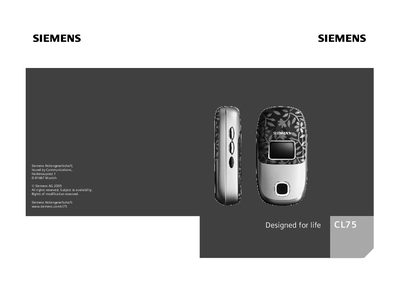
This manual provides step‑by‑step instructions for operating the Siemens CL75 mobile phone, covering everything from basic call functions to advanced messaging and settings. It includes details on SIM card insertion, language selection, battery usage, and safety precautions.
The document also lists technical data such as the IMEI number, operating battery times, and menu options for SMS, voice memo, and other phone functions, helping users get the most out of their device.
| IMEI number | 50 |
|---|---|
| Battery operating time | 8–60 minutes |
The manual lists the action "Insert" under the SIM card section, indicating the step to insert the SIM.
The language option is shown in the menu as "Language .", allowing the user to select the desired language.
SMS functions are listed under "Short message (SMS) ." in the index.