
This document is a user guide for the ME75 mobile phone produced by BenQ Mobile GmbH & Co. OHG. It includes safety precautions, an overview of the phone's features, instructions for use, address book, messaging, and multimedia information.
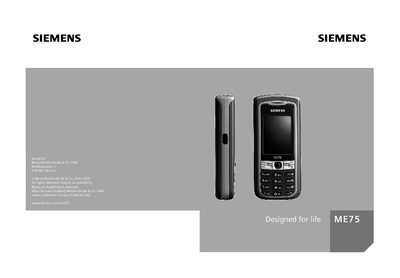
This guide covers the Siemens ME75 mobile phone, describing its hardware features, safety information, and how to operate the device. It is intended for end‑users who need to set up and use the phone safely and efficiently.
The manual includes sections on safety precautions, inserting the SIM card and battery, basic phone functions, messaging, camera operation, internet access, and configuration settings such as PIN codes, language, and network options. It also provides troubleshooting tips and warranty information.
| Battery type | 100% mercury‑free |
|---|---|
| Supported SIM card voltage | 1.8 V and 3 V |
Keep at least 20 cm (9 inches) between the phone and a pacemaker.
Place the SIM card in front of the slot with the contact surface facing downwards and push it in gently.
The phone supports SIM cards with a voltage of 1.8 V or 3 V.