
This article explains how to watch your favorite DVD movie and enjoy your home cinema experience using a simple and quick method. It provides helpful hints on making video connections, improving picture quality, and using an accessory RF modulator if needed.
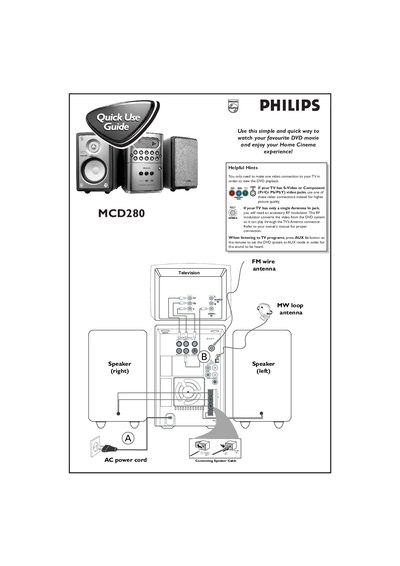
This guide explains how to connect the Philips MCD280 DVD system to a TV and speakers, covering video options such as S‑Video, Component, or an RF modulator for antenna‑only TVs, and audio setup using the AUX input. It also shows how to attach speaker cables and power the unit.
The manual walks you through playing a disc, selecting sources, loading and unloading discs, and using the remote control for navigation. Region code requirements and a list of accessories included in the box are also described.
| RF modulator requirement | Needed for antenna‑only TV |
|---|---|
| Audio mode selection | AUX mode via remote |
Press DISC on the remote, turn on the TV, load the disc, and playback will start automatically.
Use the included RF modulator accessory to convert the video signal for the antenna input.