
The ADP8861 is a 7-channel smart LED driver with I2C interface. It has automatic gain selection, maximum efficiency, low current consumption and other features. It is suitable for various LED applications.
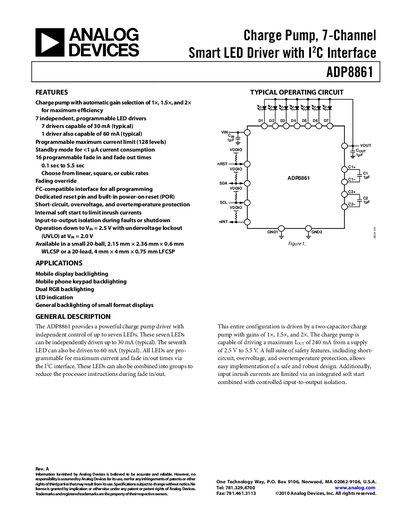
The ADP8861 is a 7‑channel smart LED driver with a charge‑pump architecture that provides automatic gain selection (1×, 1.5×, 2×) for high efficiency. Each channel can be programmed for current limit, fade‑in/out timing, and can operate down to 2.5 V input voltage.
The document includes sections on features, applications, typical operating circuit, full specifications, pin configurations, timing diagrams, thermal and ESD considerations, and an ordering guide for the available WLCSP and LFCSP packages.
| Maximum LED Drive Current (typical) | 30 mA per LED, 60 mA for one LED |
|---|---|
| Switching Frequency | 0.8 MHz to 1.32 MHz |
| Package Options | 20‑ball WLCSP (2.15 mm × 2.36 mm × 0.6 mm) or 20‑lead LFCSP (4 mm × 4 mm × 0.75 mm) |
It provides seven independent programmable LED drivers.
The charge pump automatically selects a gain of 1×, 1.5×, or 2× for maximum efficiency.
Each LED can be driven up to 30 mA typical, and one LED can be driven up to 60 mA typical.