
This manual describes how to use the HT762TZ DVD Home Theater System.
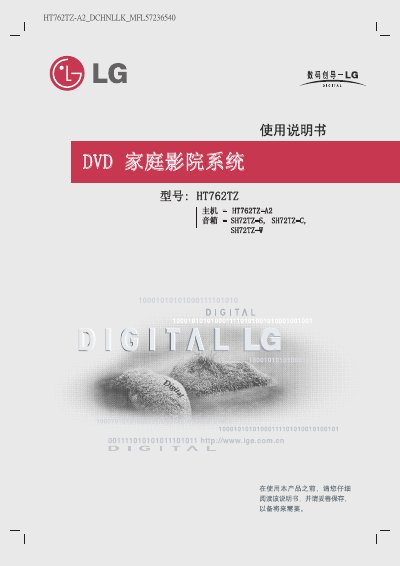
This manual covers safety warnings, installation guidelines, and connection methods for the HT762TZ DVD home theatre system. It explains how to position the unit, protect the laser module, connect power, HDMI, component video, audio, antenna, USB and speaker cables, and how to use the remote control, including battery replacement and SIMPLINK features with LG TVs.
The guide also details operating functions such as playback of DVD, CD, MP3/WMA, JPEG and DivX files, audio settings, subtitle selection, sleep timer, and resolution adjustments. A troubleshooting section lists common symptoms and corrective actions, followed by a specifications table that lists power, dimensions, audio performance, and speaker ratings. This manual is written in Chinese.
| Dimensions (W × H × D) | 4×80 × 70 × 85 mm |
|---|---|
| Operating temperature range | 5 °C to 85 °C |
| Operating humidity range | 5 % to 85 % |
| Laser wavelength | 650 nm |
| Audio signal‑to‑noise ratio | > 75 dB (1 kHz) |
| Subwoofer power rating | 200 W (8 Ω, 70 Hz, THD 10 %) |
Open the battery cover on the remote, insert two AA (R06) batteries with correct polarity, and do not mix new and old batteries.