
This manual introduces the use of a digital camera, including installing batteries, inserting and removing SD storage cards, turning on the camera and starting to use it.
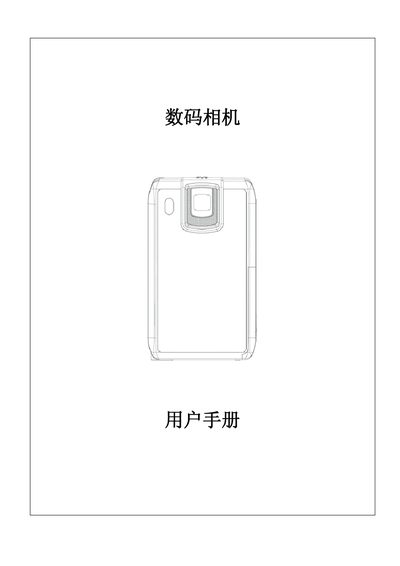
This manual provides step‑by‑step instructions for using the digital camera, including how to install the battery, insert and remove SD cards, and operate the various recording and playback modes. It also describes the camera’s button functions, menu navigation, and how to connect the device to a PC or TV.
The document includes a full specifications table, system requirements for Windows, and details on supported media formats, video resolutions, and accessories that come with the camera. This manual is written in Chinese.
| Image sensor | 50,000 pixel sensor |
|---|---|
| Built‑in memory | 64 MB |
| Expandable storage | SD/MMC card slot, up to 4 GB |
| LCD display size | 95 mm (H) × 57 mm (W) × 18.3 mm (D) |
| Weight (without battery) | 80 g |
| Video resolution | VGA 640×480 / QVGA 320×240 at 30 fps |
| Battery type | Rechargeable lithium‑ion battery |
Press and hold the power button for one second to start the camera.
No. The SD card must be unlocked to record photos, videos, or audio.