
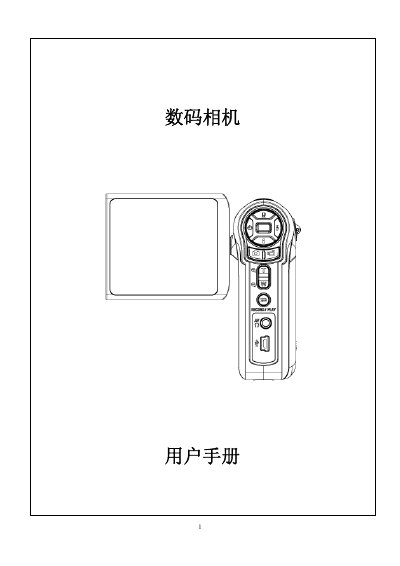
This manual provides a complete overview of the Canon digital camera, including its 5‑megapixel sensor, 8× digital zoom, and built‑in 64 MB memory. It explains how to install the battery, insert SD cards, and use the various recording and playback modes.
The guide also details how to connect the camera to a computer via the mini‑USB 2.0 port, install the supplied drivers, and transfer photos, videos, and audio files. System requirements and full technical specifications are listed at the end of the document. This manual is written in Chinese.
| LCD size | 2.4 inches |
|---|---|
| Internal memory | 64 MB |
| Maximum expandable storage | 2 GB |
| Battery type | NP‑60 rechargeable lithium |
| Dimensions (W×H×D) | 95 mm × 71 mm × 34 mm |
| Video resolution | VGA 640×480 / QVGA 320×240, 30 fps |
| Photo resolution | 3840×2880 (11 MP) |