
This manual introduces the hardware usage of ASUS notebook computers, including safety instructions, precautions for use, preparing your computer, using the touchpad, external appearance, restoring your notebook computer, power adapter, and simple troubleshooting
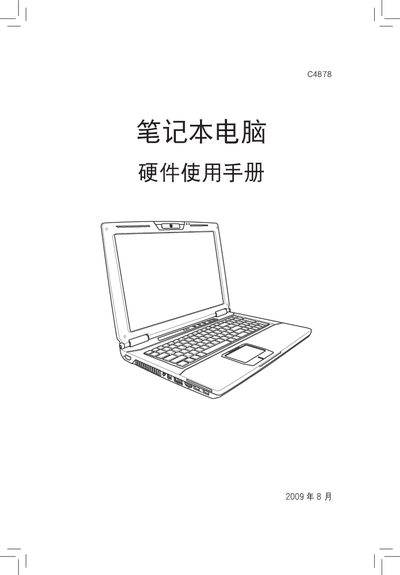
This manual covers safety instructions and usage precautions for the ASUS C4878 laptop, including handling, environmental limits, and warranty information. It explains how to install and connect power supplies, replace hardware components, and avoid actions that could void the warranty.
The document also guides users through checking hardware status in Windows Vista, troubleshooting common issues, and contacting ASUS support. All instructions are presented in Chinese with reference to the original English support resources. This manual is written in Chinese.
| Input Voltage | 110V‑240V AC |
|---|---|
| Recommended Power Cable Gauge | AWG 26 or larger |
Open the Control Panel, go to Hardware and Sound, open Device Manager, and look for the component under the appropriate category.