
This document is the hardware user manual for the Asus notebook computer T5812, released in July 2010. It provides instructions and precautions for using the Asus T5812 notebook computer.
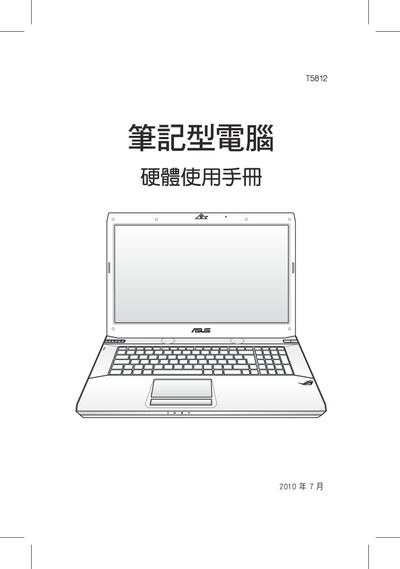
This manual provides safety guidelines, warranty details, and operating instructions for the ASUS T5812 laptop. It covers proper handling, battery care, power connections, and recommended usage environments.
Additional sections explain how to perform system recovery, BIOS access, and basic troubleshooting steps such as forced power‑on and extending battery life. This manual is written in Japanese.
| Battery | Use only approved ASUS batteries |
|---|---|
| Power Supply | Three‑prong grounded AC adapter required |
Press and hold the power button for more than four seconds to force a power‑on.
Reduce LCD brightness, lower audio volume, remove unnecessary USB devices, and adjust power‑management settings.
Check that the battery is charged; if the LCD does not display, verify the AC adapter connection and try again.