
This is a hardware user manual for a laptop, which introduces the appearance, optional accessories, basic maintenance, data backup, other suggestions, safety protection functions, start-up, operation methods, application upgrade guides, power systems, appendices, etc.
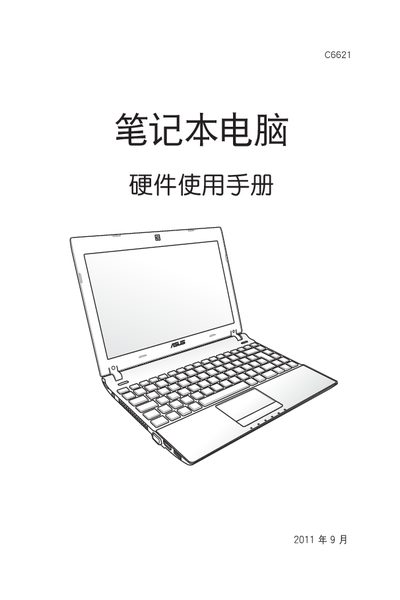
This manual covers safety precautions, proper handling, and environmental requirements for the ASUS C6621 laptop. It explains how to install the device, connect external peripherals, and use power adapters safely.
The guide also details operating procedures, LED indicator functions, standby and hibernate modes, and troubleshooting tips such as what to do if the notebook is exposed to water. This manual is written in Japanese.
Turn off the device, disconnect power, and gently dry the affected area with a soft cloth before attempting to restart.
Use the laptop in environments between 5 °C and 35 °C.
Only use qualified ASUS power adapters; other adapters are not recommended.
Press the standby button or select standby from the operating system; the laptop will reduce power consumption while keeping the session in memory.