
This manual introduces the hardware usage of ASUS notebook computers, including installing batteries, connecting power adapters, and turning on the power
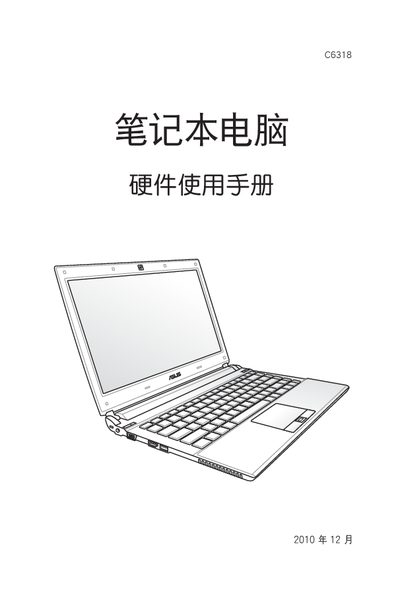
This manual covers safety precautions, proper installation, and usage of the ASUS C6318 laptop. It includes warnings about temperature limits, moisture exposure, and magnetic interference, as well as recommended power‑supply connections.
The document also provides troubleshooting procedures for common issues such as standby mode behavior, memory errors, and water damage, along with guidance on accessing system settings in Windows. This manual is written in Chinese.
The manual states the laptop should be used in an environment of 5‑35 °C.
If the laptop is exposed to water, immediately turn it off, disconnect power, and gently wipe away moisture with a soft cloth before drying.
Press the power button briefly (more than three seconds) to force the laptop into standby mode.