
This document is the user manual for a notebook PC released in April 2011. It includes information about the introduction, parts description, and usage guide of the notebook PC.
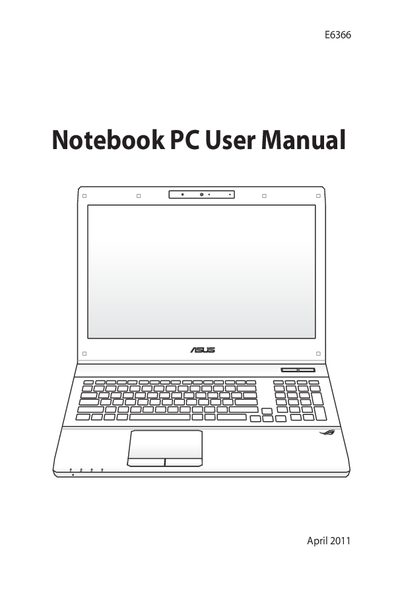
This manual introduces the ASUS E6366 notebook PC, describing its parts, safety precautions, power system, and how to get started. It covers using the touchpad, storage devices, network connections, and special keyboard functions.
The appendix lists optional accessories, compliance statements, recycling information, and service and support details. Safety sections explain proper cleaning, temperature limits, and battery handling to ensure reliable operation.
| Safe operating temperature | 10°C to 35°C (50°F to 95°F) |
|---|---|
| Input power rating | Refer to rating label on bottom of the notebook PC |
Wipe the notebook PC with a clean cellulose sponge or chamois cloth dampened with a non‑abrasive detergent solution, then remove any extra moisture with a dry cloth.
Disconnect the AC power and remove the battery pack(s) before performing any service.
The notebook PC should be used in ambient temperatures between 10 °C (50 °F) and 35 °C (95 °F).