
This document describes the technical characteristics of the 4501 display/programming front, including a 4-line LCD display with scrolling help text in 7 languages to guide the user through configuration steps effortlessly; programming access can be blocked by assigning a password to ensure a high degree of protection against unauthorized modifications to the configuration.
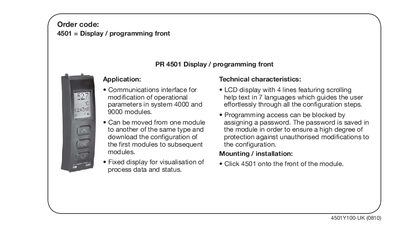
The 4501 display module provides a fixed LCD front panel for visualising process data and status, and allows modification of operational parameters in system 4000 and 9000 modules. It can be transferred between modules of the same type, copying the configuration from the first module to subsequent ones.
The LCD shows four lines of scrolling help text in seven languages, guiding users through configuration steps. Programming access can be secured with a password stored in the module, and the unit is mounted by clicking it onto the front of the module.
| LCD display lines | 4 lines |
|---|---|
| Supported languages | 7 |
| Password protection | Yes |
Click 4501 onto the front of the module.
Yes, by assigning a password that is saved in the module.
The LCD display has four lines.