
This manual describes how to use DriveBrowser.
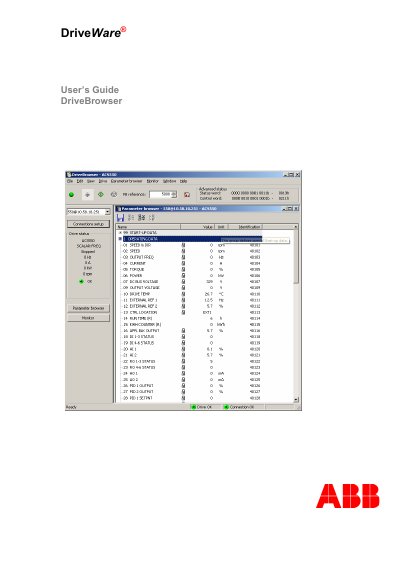
The ABB Drive Browser User Guide provides detailed instructions for installing and using the Drive Browser PC tool, which is a maintenance application for ABB ACS350, ACS355, ACH550, ACS550 and ACS800 drive series. It describes the intended audience, safety considerations, and the software’s key functions such as drive listing, parameter editing, and monitoring.
The manual walks the reader through computer requirements, delivery check, Ethernet field‑bus connections (point‑to‑point or network), software installation, user interface navigation, parameter browsing, drive control, and configuration settings. Keyboard shortcuts and confirmation options are also documented to help users operate the tool efficiently. This manual is written in Chinese.
| Supported operating systems | Windows 2000, Windows XP, Windows Vista, Windows 7 |
|---|---|
| Minimum display resolution | 1024 × 768, 256 colors |
| Minimum hard‑disk space | 80 MB |
Drive Browser runs on Windows 2000, Windows XP, Windows Vista, and Windows 7.
A PC must have one of the supported Windows versions, a display of at least 1024 × 768 with 256 colors, and at least 80 MB of free hard‑disk space.
Connect the Ethernet field‑bus module in the drive to the PC with a crossover Ethernet cable and manually configure the IP address and subnet mask on both sides.
In the Settings → Confirmations dialog, select the function that requires confirmation, such as starting the drive, to have a prompt appear.