
Philips 221V2 monitor user manual, introduces the installation, operation, product information, technical specifications, regulations, customer service and warranty, troubleshooting and FAQs.
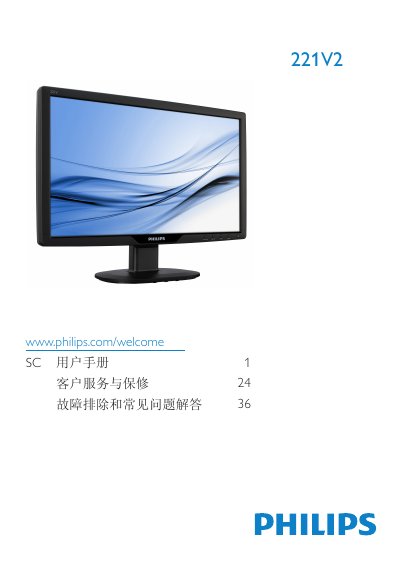
This manual covers important safety information, proper installation, and operation of the Philips 221V2 LCD monitor. It includes guidance on handling, cleaning, and maintaining the display to ensure reliable performance and compliance with warranty conditions.
The document also details the monitor’s technical specifications, SmartContrast and SmartControl Lite features, and provides a troubleshooting FAQ for common issues such as video mode errors, refresh‑rate settings, and cleaning procedures. This manual is written in Chinese.
| Panel type | TFT LCD |
|---|---|
| Backlight | CCFL |
| Screen size | 21.5" (54.6 cm) |
| Aspect ratio | 16:9 |
| Pixel pitch | 0.284 x 0.284 mm |
| Brightness | 300 cd/m² |
| Contrast ratio (typical) | 1000:1 |
| Response time (typical) | 5 ms |
| Native resolution | 1920 x 1080 @ 60 Hz |
| Viewing angle | 176° (H) / 170° (V) |
| Color depth | 16.7 million colors |
| Vertical refresh rate | 56 Hz – 76 Hz |
| Horizontal frequency | 30 kHz – 80 kHz |
| VESA mount | 100 mm x 100 mm |
Set the PC to the recommended resolution of 1920 × 1080 @ 60 Hz, then restart the computer and reconnect the monitor.
The recommended refresh rate is 60 Hz; you may increase it up to 75 Hz to check for interference.
Wipe the screen with a dry soft cloth; for detailed cleaning use isopropyl alcohol, and avoid regular alcohol, ethanol, acetone, or other solvents.
Yes, the monitor supports wall‑mounting using the standard 100 mm × 100 mm VESA mounting holes on the rear.