
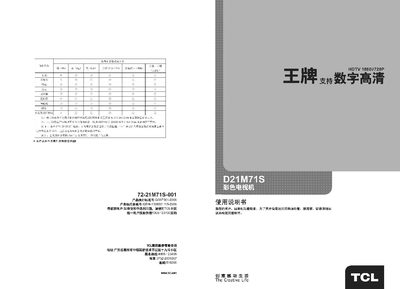
This manual explains how to install, operate, and maintain the TCL D21M71S color television. It includes safety warnings, proper handling, and environmental precautions to protect the device and the user.
The guide covers remote‑control functions, channel searching, picture adjustments, system settings, and basic fault diagnosis, helping users get the most out of their TV and resolve common issues. This manual is written in Chinese.
| Wireless TV channels | DS1~57CH |
|---|---|
| Supported video standards | NTSC 4.43, PAL |
| Pre‑set program memory | 228 programs |
| Rated power consumption | 70 W |
| Rated voltage | 220 V 50 Hz |
| Audio output power | 3 W + 3 W (left/right) |
| Screen diagonal | 51 cm |
| Dimensions (W×D×H) | 620 mm × 400 mm × 478 mm |
| Weight | ≈20 kg |
Use a soft, slightly damp cloth with mild detergent, disconnect the power before cleaning, and avoid alcohol or strong solvents.
Open the battery cover on the back of the remote, insert two 1.5 V AA batteries with correct polarity, and close the cover.
Press and hold the “Menu/Search” button on the TV for two seconds, or press the remote’s “Menu” button three times and then the “Volume +” key to start auto‑search.