
This document introduces the use of Schneider Electric Altivar 71 Stirrer application Programming manual Software V2.3IE40 Concast, including setup and operation
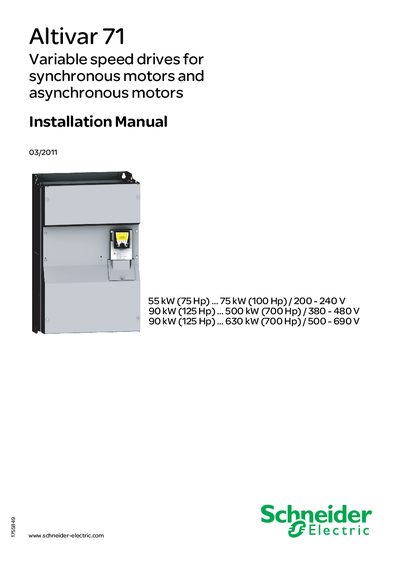
This Schneider Altivar 71 programming manual describes the Concast (COn-) menu and specific parameters for the stirrer application. It covers setup steps, preliminary recommendations, the graphic display terminal, and first power-up language selection.
The manual also provides communication information, maintenance procedures, fault causes and remedies, user settings tables, and an index of parameter codes for the ATV71 drive.
| Document software version | V2.3 |
|---|---|
| DC bus voltage verification threshold | less than 42 V |
| Contactor cycle time limit | < 60 s |
It describes only specific parameters and the [CONCAST] (COn-) menu for the drive.
Wait 15 minutes to allow the DC bus capacitors to discharge before servicing.
Check that the PWR (POWER REMOVAL) input is deactivated to prevent unintended operation.
The graphic display terminal is a standard component on high-power drives.