
This manual introduces the basic operations of the EP771 projector, including connecting input devices, starting and turning off the projector, adjusting the projector height, adjusting the zoom, focus, and keystone correction, adjusting the volume, setting OSD language, replacing the projector lamp, cleaning the projector, etc.
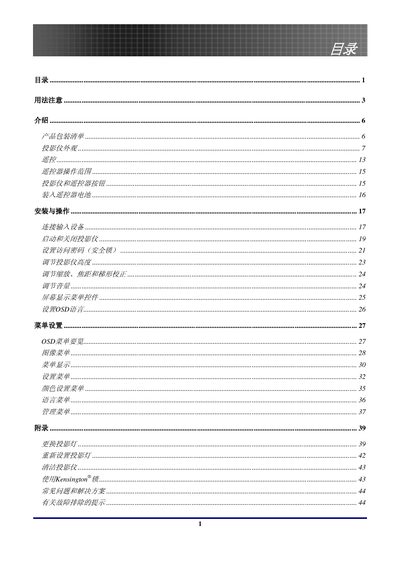
This manual introduces the EP771 XGA single‑chip 0.7" DLP projector, covering its main features, unpacking checklist, and hardware layout. It explains how to install the device, configure the OSD menu, and adjust settings such as keystone correction and lamp control.
Safety information is emphasized, including warnings about the high‑brightness lamp, laser hazards, and proper handling of mercury‑containing components. The guide also details lamp replacement, cleaning procedures, and regulatory compliance (FCC, CE, RoHS). This manual is written in Chinese.
| Resolution | XGA |
|---|---|
| Projection Technology | DLP |
| Lamp Type | LED |
| Hazardous Material | Contains mercury |
Turn off the unit, unplug the power cord, allow the lamp to cool for about one hour, then clean the projector as described on page 43.