
The document describes a product with the brand XXXX and model XXXX. The product features XXXX characteristics.
This manual covers essential safety warnings, such as not opening the housing and only allowing authorized service personnel to repair the unit ("請勿打開機殻・唯有合衝人貞子可進行維修"). It also explains proper cleaning methods, power handling, and ventilation requirements.
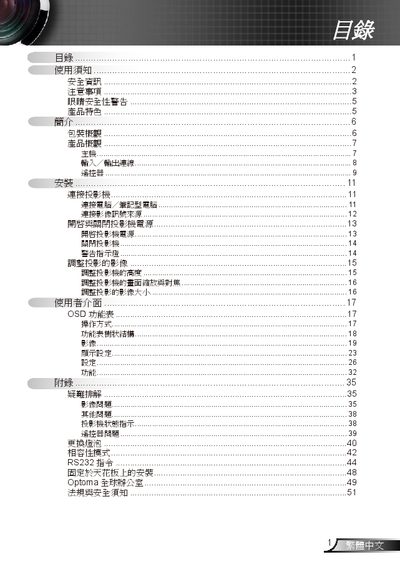
Installation instructions include ceiling mounting, cable connections (VGA, S‑Video, RS‑232), and initial power‑on procedures. Operational sections describe image adjustment, OSD menu navigation, lamp replacement (refer to pages 40‑41), and RS‑232 command usage. The troubleshooting chapter addresses common image and lamp issues. This manual is written in Japanese.
| Native resolution | XGA (1024x768) / SVGA (800x600) |
|---|---|
| HDTV compatibility | 720P / 1080P |
| RS232 control | Supported |
Turn off the projector, let the lamp cool, then follow the procedure in sections 40‑41 titled "更換短泡" and reset the lamp settings in the OSD after replacement.
Power off the unit, unplug it, and use a soft dry cloth to gently clean the exterior; never open the housing yourself.
Yes, the projector includes an RS‑232 interface for external control.