
This document is a user manual for a projector. It includes information about the features and characteristics of the product, such as installation, connecting the projector, adjusting the image, and using the user interface.
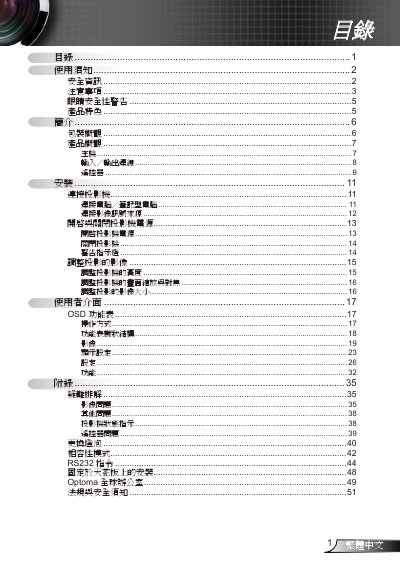
The guide begins with safety warnings, handling precautions, and eye‑safety advice, emphasizing proper ventilation, moisture protection, and the need for qualified service personnel. It also lists the projector’s key features such as XGA/SVGA native resolution, HDTV compatibility, RS‑232 control, and quick‑shutdown.
Subsequent sections cover unpacking, hardware overview, installation options (including ceiling mounting), connection methods for computers and video sources, remote‑control functions, image adjustment, lamp replacement, RS‑232 commands, and troubleshooting. Appendices contain global service contacts and regulatory compliance information. This manual is written in Chinese.
| Native resolution | XGA (1024x768) / SVGA (800x600) |
|---|---|
| HDTV compatibility | 720P, 1080i/p |
| RS232 control | Supported |
| Power cable length | 1.8 m |
| Included batteries | 2 × AAA |