
This manual provides detailed instructions on how to use the DVD projector, including usage precautions, product features, product overview, installation connection, power on/off switch, image adjustment and so on.
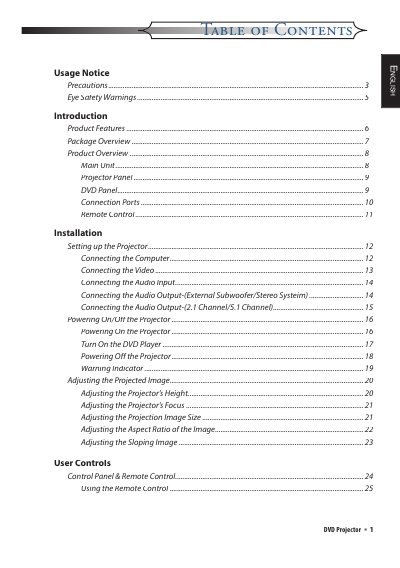
This manual covers all aspects of using the DVD projector, including safety notices, product features, installation steps, connection options, and remote‑control operation. It also includes detailed troubleshooting and lamp‑replacement procedures.
Follow the safety precautions before handling the unit, set up the projector according to the installation guide, and use the on‑screen menus to adjust image size, focus, and keystone. Maintenance sections explain how to replace the lamp and address common error messages.
| Resolution | 854 x 480 (480p) |
|---|---|
| Color Wheel | 7‑segment GRBW GRB |
| Built‑in Speakers | 5 W × 2 stereo speakers |