
Key facts
- Manuals
- 9
- Categories
- 1
- Languages
- ZH · JA
- Last added
- 2012-07-12
Featured 投影仪 manuals
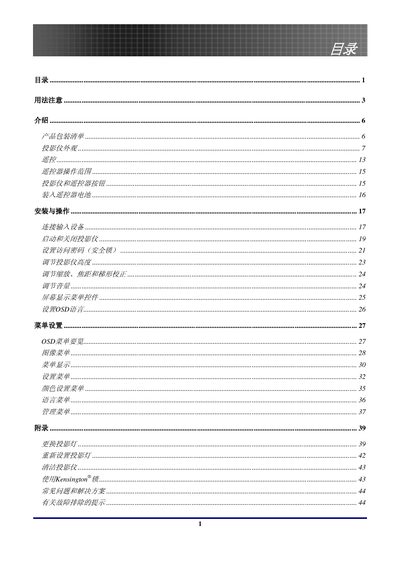
EP771 Projector User Manual
This manual introduces the EP771 XGA single‑chip 0.7" DLP projector, covering its main features, unpacking checklist, and hardware layout. It explains how to install the device, configure the OSD menu, and adjust settings such as keystone correction and lamp control.
Safety information is emphasized, including warnings about the high‑brightness lamp, laser hazards, and proper handling of mercury‑containing components. The guide also details lamp replacement, cleaning procedures, and regulatory compliance (FCC, CE, RoHS). This manual is written in Chinese.
Covers: Table of Contents · Introduction · Installation and Operation · Menu Settings (OSD) · Safety Warnings · Lamp Replacement
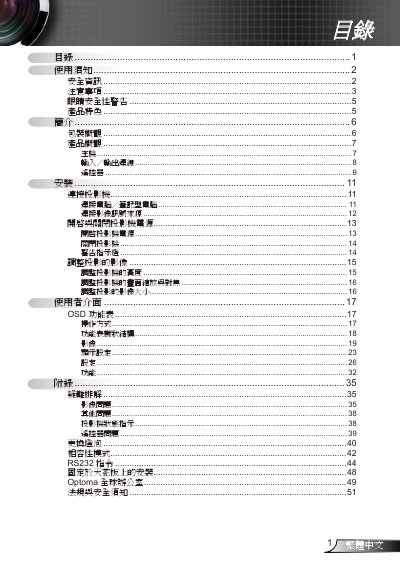
Optoma Projector User Manual
The guide begins with safety warnings, handling precautions, and eye‑safety advice, emphasizing proper ventilation, moisture protection, and the need for qualified service personnel. It also lists the projector’s key features such as XGA/SVGA native resolution, HDTV compatibility, RS‑232 control, and quick‑shutdown.
Subsequent sections cover unpacking, hardware overview, installation options (including ceiling mounting), connection methods for computers and video sources, remote‑control functions, image adjustment, lamp replacement, RS‑232 commands, and troubleshooting. Appendices contain global service contacts and regulatory compliance information. This manual is written in Chinese.
Covers: 使用須知 · 產品特色 · 安裝 · 連接投影機 · 操作說明 · 疑難排解
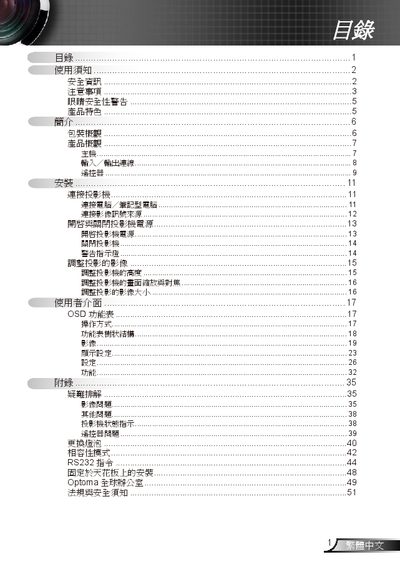
Optoma Projector User Manual
This manual covers essential safety warnings, such as not opening the housing and only allowing authorized service personnel to repair the unit ("請勿打開機殻・唯有合衝人貞子可進行維修"). It also explains proper cleaning methods, power handling, and ventilation requirements.
Installation instructions include ceiling mounting, cable connections (VGA, S‑Video, RS‑232), and initial power‑on procedures. Operational sections describe image adjustment, OSD menu navigation, lamp replacement (refer to pages 40‑41), and RS‑232 command usage. The troubleshooting chapter addresses common image and lamp issues. This manual is written in Japanese.
Covers: Safety Instructions · Installation · Power and Ventilation · Image Adjustment · OSD Menu · RS232 Commands
Latest 投影仪 manuals
Projector user manual(3)
This document is a warning from the FCC.
Projector user manual(2)
This document is a declaration of conformity for the DreamWeaver projector. The projector complies with EMC directives and norms as well as low voltage directives and norms. The document also lists some trademark information.
Projector user manual(1)
This manual is a user manual for BARCO products, introducing the features and characteristics of the products and how to use them.
Projector user manual
This document provides important information about the product, including safety safeguards, features, checking accessories, and usage notes.
Projector Manual(3)
The document is a digital user manual that describes the features and characteristics of the product.
EP771 Projector User Manual
User Manual 53 pages · 2 MB · ZHThe EP771 projector user manual provides installation, operation, safety, and maintenance instructions for the XGA DLP projector.
Optoma Projector User Manual
User Manual 52 pages · 8.3 MB · ZHThis manual provides safety information, setup, operation, and maintenance instructions for an Optoma projector.
Optoma Projector User Manual
User Manual 52 pages · 8.3 MB · JAThe Optoma projector user manual provides safety instructions, installation steps, operation guidance, and troubleshooting help.
Projector Manual(4)
This manual provides detailed instructions on how to use the DVD projector, including usage precautions, product features, product overview, installation connection, power on/off switch, image adjustment and so on.
Which document do I need?
User Manual
Day-to-day operation, settings and troubleshooting. Start here if the product is already set up.
Questions answered in 投影仪 manuals
How do I clean the projector?
Turn off the unit, unplug the power cord, allow the lamp to cool for about one hour, then clean the projector as described on page 43.
How do I replace the lamp safely?
Turn off the projector, let the lamp cool, then follow the procedure in sections 40‑41 titled "更換短泡" and reset the lamp settings in the OSD after replacement.
What safety precautions should I take before cleaning the projector?
Power off the unit, unplug it, and use a soft dry cloth to gently clean the exterior; never open the housing yourself.