
This document is the instruction manual of wireless dual key mouse and keyboard.
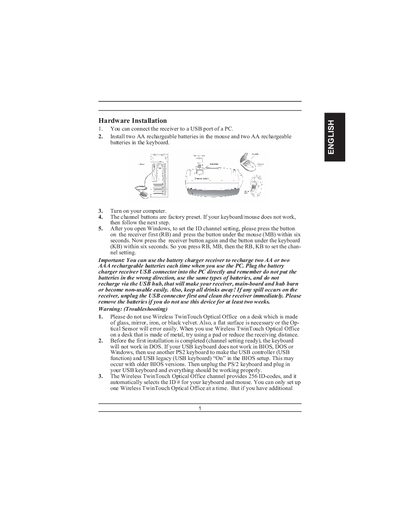
The manual explains how to connect the wireless receiver to a PC USB port, install rechargeable AA batteries in the mouse and keyboard, and set the channel ID by pressing the receiver and device buttons within six seconds. It also provides safety warnings, battery‑low indicators, and recommended receiver placement for optimal performance.
Software installation steps include inserting the setup disc, following on‑screen prompts, and customizing button assignments through the MouseMate control panel. Additional sections cover EasyJump navigation, button programming, and procedures for uninstalling or closing the software.
| Battery type | Ni‑MH AA 1.2 V 1300‑1600 mAh |
|---|---|
| Receiver distance | At least 8 inches (≈20 cm) from mouse and other devices |
| Coverage area | Up to 10 square meters |
| Channel codes | 256 D‑codes per channel |
Use Ni‑MH AA rechargeable batteries, 1.2 V, 1300‑1600 mAh, and do not mix with other battery types.
In Windows, click the Start button, select Programs, locate the mouse software, and click Uninstall software.
Open the software control panel by double‑clicking its task‑bar icon or selecting the Software icon from the program group, then assign functions to the desired buttons.