
Key facts
- Manuals
- 5
- Languages
- EN
- Last added
- 2012-07-09
Featured Hardware manuals
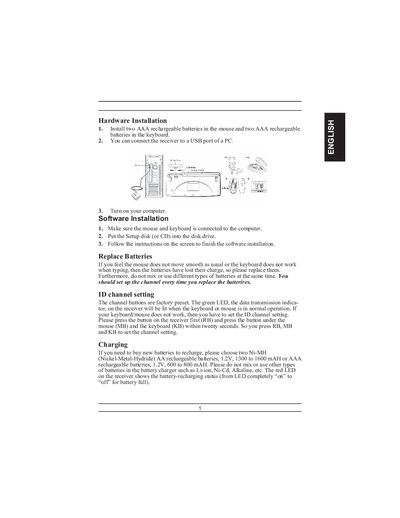
TwinTouch 19eNB Wireless Keyboard and Mouse Installation Guide
The manual covers hardware installation steps such as inserting two AAA rechargeable batteries into the mouse and keyboard, connecting the receiver to a PC USB port, and charging the batteries with the included USB charger. It also describes how to replace batteries, avoid mixing battery types, and set the ID channel by pressing the receiver, mouse, and keyboard buttons within twenty seconds.\n\nSoftware installation instructions include running the setup disk, customizing button assignments, using EasyJump functions, and uninstalling or closing the software. Troubleshooting tips address desk material interference, BIOS settings, and channel interference when multiple devices are used nearby.
Covers: Hardware Installation · Software Installation · Replace Batteries · ID Channel Setting · Charging · Warning (Troubleshooting)
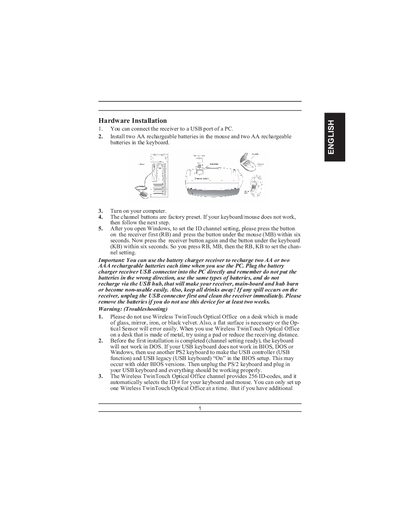
Genius Wireless TwinTouch Optical Office Installation Manual
The manual explains how to connect the wireless receiver to a PC USB port, install rechargeable AA batteries in the mouse and keyboard, and set the channel ID by pressing the receiver and device buttons within six seconds. It also provides safety warnings, battery‑low indicators, and recommended receiver placement for optimal performance.
Software installation steps include inserting the setup disc, following on‑screen prompts, and customizing button assignments through the MouseMate control panel. Additional sections cover EasyJump navigation, button programming, and procedures for uninstalling or closing the software.
Covers: Hardware Installation · Software Installation · Factory Setting · Button Assignments · MouseMate Software Features · EasyJump Options
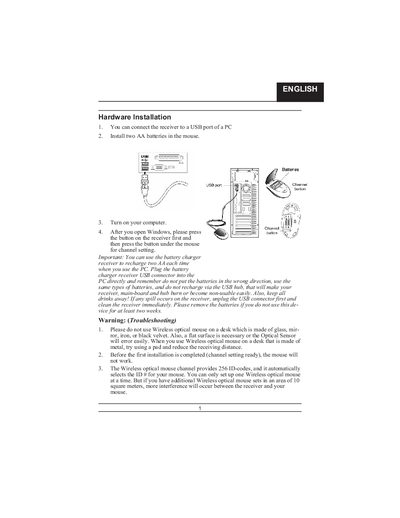
Wireless Optical Mouse Installation Manual
The manual explains how to connect the receiver to a PC USB port, install AA rechargeable batteries, and set the channel by pressing the receiver button followed by the mouse button. It includes warnings about correct battery orientation, avoiding USB hubs for charging, and keeping liquids away from the device.
It also details software installation from a setup disk, describes the multimedia and internet keys, and provides button assignment options for enhanced functionality.
Covers: Hardware Installation · Channel Setting · Battery Information · Software Installation · Button Assignments · Factory Setting
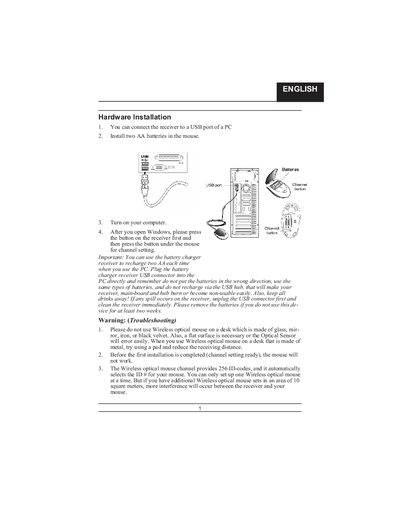
Wireless Optical Mouse Installation Guide
The manual provides step‑by‑step instructions for installing the wireless optical mouse hardware. It explains how to connect the receiver to a PC USB port, install AA batteries, set the channel, and avoid common pitfalls such as using the mouse on reflective surfaces.
It also covers software installation from the supplied setup disk, battery‑recharging indicators, multimedia and application‑switch keys, and button assignments for left, right, and the Magic‑Roller functions.
Covers: Hardware Installation · Channel Setting · Battery Replacement · Software Installation · Factory Setting · Button Assignments
Latest Hardware manuals
Hardware Installation Configuration Guide for the Cisco Ethernet Subscriber Solution Engine 1105 Manual
This document is a hardware installation and configuration guide for the Cisco Ethernet Subscriber Solution Engine 1105
TwinTouch 19eNB Wireless Keyboard and Mouse Installation Guide
User Manual 7 pages · 492 KB · ENThis guide explains how to install batteries, set up the receiver, configure channels, and customize the software for the TwinTouch 19eNB wireless keyboard…
Genius Wireless TwinTouch Optical Office Installation Manual
Installation Guide 7 pages · 985 KB · ENInstallation guide for the Genius Wireless TwinTouch Optical Office mouse and keyboard, covering hardware setup, battery use, and software configuration.
Wireless Optical Mouse Installation Manual
User Manual 3 pages · 502 KB · ENInstallation guide for a wireless optical mouse, covering receiver connection, battery handling, and software setup.
Wireless Optical Mouse Installation Guide
Installation Guide 3 pages · 502 KB · ENThis guide explains how to install and set up a wireless optical mouse, covering battery handling, channel configuration, and software installation.
Which document do I need?
User Manual
Day-to-day operation, settings and troubleshooting. Start here if the product is already set up.
Installation Guide
Mounting, wiring and first power-up. Read it before the hardware goes in.
Questions answered in Hardware manuals
How do I replace the batteries?
Remove the old batteries and insert two AAA rechargeable batteries into the mouse and two into the keyboard, using the same type and avoiding mixing with other battery chemistries.
From: TwinTouch 19eNB Wireless Keyboard and Mouse Installation Guide
How do I set the ID channel?
Press the receiver button (RB) first, then press the mouse button (MB) and the keyboard button (KB) within twenty seconds to set the channel.
From: TwinTouch 19eNB Wireless Keyboard and Mouse Installation Guide
What batteries should I use with this device?
Use Ni‑MH AA rechargeable batteries, 1.2 V, 1300‑1600 mAh, and do not mix with other battery types.
From: Genius Wireless TwinTouch Optical Office Installation Manual
How can I uninstall the mouse software?
In Windows, click the Start button, select Programs, locate the mouse software, and click Uninstall software.
From: Genius Wireless TwinTouch Optical Office Installation Manual
What batteries should I use for the mouse?
Use Ni‑MH AA batteries (1.2 V, 1300‑1600 mAh) and do not mix with other battery types.
What does the LED on the receiver indicate?
It shows the battery‑recharging status and turns fully on when the battery is fully charged.