
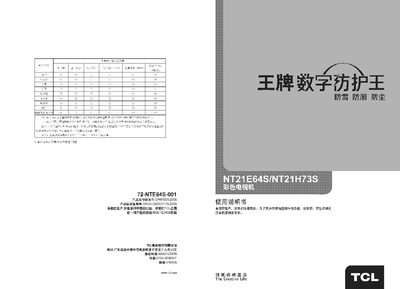
This manual covers safety precautions, proper installation of the TV base, and an overview of the front‑panel controls. It also explains how to connect AV cables, set up the remote, and adjust picture and sound settings.
Advanced features such as automatic channel search, program swapping, calendar function, and game mode are described, along with a troubleshooting section for common issues like no picture or sound. This manual is written in Chinese.
| Preset Channels | 228 |
|---|---|
| AV Inputs / Outputs | 2 AV inputs, 1 AV output |
| Supported TV Standards | NTSC, PAL |
| Cable TV Channels | 1~57 CH |
| Black Level Extension | Enabled |
| Frequency Full‑Start Tuning | Supported |
Press the power button on the TV (or the remote) to turn it on; press the standby button to turn it off.
Press the search button on the remote for about two seconds; the TV will start an automatic channel scan and store the found stations.
Enter the program clear menu, select the channel number to delete, confirm, and the TV will remove the selected channel.