
This document describes the features and characteristics of a certain brand of a certain model, including the function features, performance parameters, usage instructions, and precautions.
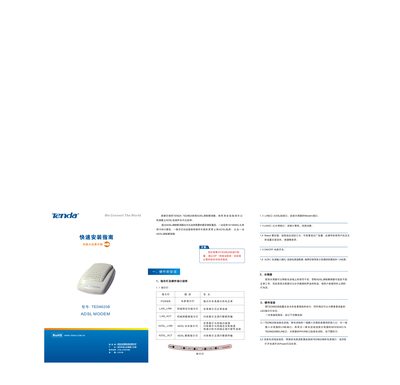
This guide explains how to install the Tenda TED8620B ADSL modem. It describes the hardware layout, LED status lights, power connection, and the required Ethernet and telephone line connections. The modem must be placed in an accessible location and connected to a power source using the supplied 9 V 1 A adapter.
After the hardware is wired, the guide shows how to configure the ADSL connection using the WinPoET client on a Windows PC. It includes steps for entering the username and password, testing the link, and troubleshooting common LED indications. This manual is written in Chinese.
| Power supply | 9 V 1 A |
|---|---|
| Ethernet port speed | 10/100 Mbps |
Press the Reset button for three seconds; this restores all settings to the factory defaults.
The Power LED lights up when the modem is receiving normal power from the adapter.
Connect an Ethernet cable from the modem’s LAN port to the computer’s 10/100 Mbps Ethernet interface.