
This software can show the measured values easily (On-line data or logger data) on personal computers from the portable ultrasonic flow meter (Portaflow-X).
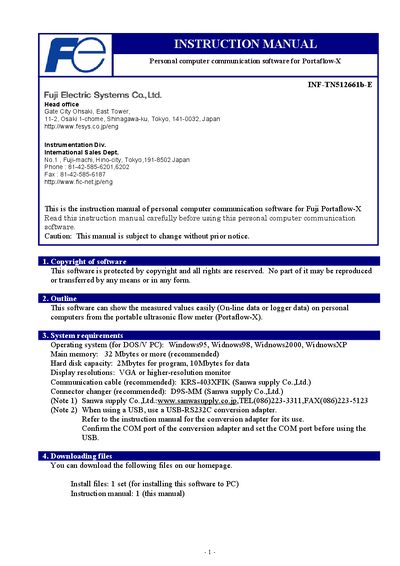
The INF‑TN512661b‑E instruction manual describes the PC communication software for the Fuji Portaflow‑X ultrasonic flow meter. It covers system requirements, installation steps, menu navigation, data retrieval, and software removal.
Users are guided through downloading the software, setting up the required COM port, retrieving on‑line or logger data, and exporting the results to Excel or CSV files. The manual also notes limits on the amount of logger data that can be downloaded and provides troubleshooting tips for Windows environments.
| Operating system | Windows95, Windows98, Windows2000, WindowsXP |
|---|---|
| Main memory | 32 Mbytes or more (recommended) |
| Hard disk capacity | 2 Mbytes for program, 10 Mbytes for data |
| Display resolution | VGA or higher |
| Recommended communication cable | KRS-403XFIK (Sanwa supply Co.,Ltd.) |
| Recommended connector changer | D9S‑MM (Sanwa supply Co.,Ltd.) |
| Maximum logger data lines downloadable | 32 767 lines |
The software can download up to 32 767 lines of logger data; any data exceeding this limit cannot be retrieved.
Run the standard Windows uninstall procedure to remove the software.