
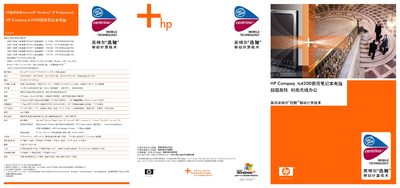
The HP tc4200 is a commercial‑grade notebook designed for mobile professionals. It features a 12.1‑inch XGA widescreen, Intel Pentium M processors, up to 2 GB of DDR2 memory, and a range of connectivity options including USB 2.0, VGA, and Gigabit Ethernet.
The manual covers key topics such as hardware specifications, safety and recovery features, expansion solutions, battery and power management, software bundles, and warranty information. It also details HP’s security technologies like ProtectTools, TPM chip, and Kensington lock, as well as the fast‑charge capability that reaches 90 % charge in about 90 minutes. This manual is written in Chinese.
| Hard Drive | 40 GB 5400 rpm |
|---|---|
| Graphics | Intel integrated graphics, up to 126 MB shared memory |
| Dimensions | 34.3 mm thickness, 285 mm width, 235 mm depth |
| Connectivity | 3× USB 2.0, VGA, Ethernet 10/100/1000, modem, S‑Video, RJ‑45 |
HP recommends using Microsoft Windows XP Professional with the notebook.
Using HP’s fast‑charge technology, the battery can reach about 90 % charge in roughly 90 minutes.
The notebook comes with a standard worldwide 3‑year warranty covering parts and labor, with an optional upgrade for on‑site service in mainland China.