
This manual is the operation manual for XG-PH50X projector, including quick start, setup, connections, basic operation, useful features, appendix and more.
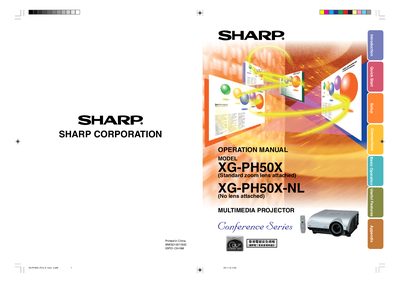
This Sharp operation manual covers the XG-PH50X multimedia projector with a standard zoom lens and the XG-PH50X-NL model without a lens. It includes introduction, quick start, setup, connections, basic operation, useful features, and appendix sections.
The document provides safety warnings for the high brightness light source and mains power, FCC Class A compliance information, and instructions for operating the on-screen menu. It also covers lamp replacement, product disposal, and DMD panel details.
| Model | XG-PH50X (Standard zoom lens attached) / XG-PH50X-NL (No lens attached) |
|---|---|
| Display panel | DMD panel, 786,432 pixels |
| Cooling fan standby run time | about 90 seconds |
Only after the cooling fan has stopped, since it keeps running for about 90 seconds in standby mode.
No, except for the lamp unit; servicing should be referred to qualified service personnel.
English, German, French, Swedish, Spanish, Italian, Dutch, Portuguese, Chinese, Korean, and Japanese.
No, the Fine Sync menu is not available for selecting those inputs.