
BenQ DP308 is an external hard drive that conforms to the USB2.0 transmission protocol and is backward compatible with USB1.1. It uses lightweight aluminum material and has good heat dissipation effect. It has better working stability than other similar products.
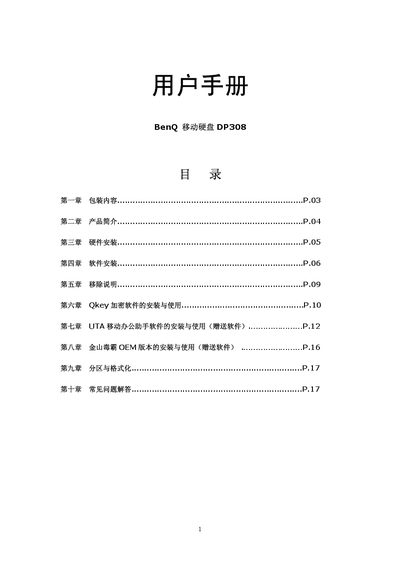
This manual covers the contents of the DP308 package, hardware installation requirements, and supported operating systems (Windows 98/ME/2000/XP and Mac OS 10.1+). It explains how to connect the device via USB 2.0 (compatible with USB 1.1), install the necessary drivers, and use the QKey encryption tool.
Additional sections describe the OEM version of the software, partition and formatting procedures for the device, and a FAQ that addresses common connection problems and decryption steps. This manual is written in Chinese.
| Dimensions | 98.0 mm x 64.4 mm x 14.7 mm |
|---|---|
| Interface | USB 2.0 (compatible with USB 1.1) |
Make sure the driver is installed and the operating system is supported; after installing the driver, reconnect the DP308 and it should appear.
Re‑install QKey and use it to decrypt the files; only QKey can decrypt the encrypted data.