
BenQ Mobile Hard Disk is a well-made and beautifully shaped external mobile hard disk that meets the USB2.0 transmission protocol and is backward compatible with USB1.1. The mobile hard disk uses light and thin aluminum material, has good heat dissipation effect, and has better working stability than other similar products. The mobile hard disk is small, light, large capacity, and easy to carry. It can make your work easier.
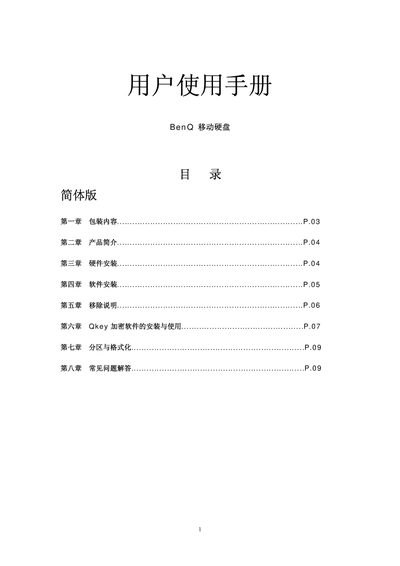
This manual provides step‑by‑step instructions for setting up the BenQ Mobile Hard Disk, including hardware connection, driver installation for Windows and Mac OS, and safe removal procedures. It also covers the optional Qkey encryption software and how to encrypt, decrypt, and search for protected files.
Additional sections describe partitioning and formatting the drive, as well as a troubleshooting FAQ that addresses common issues such as the drive not appearing in Windows Explorer. This manual is written in Chinese.
| Interface | USB 2.0 (compatible with USB 1.1) |
|---|---|
| Supported Windows Versions | Windows 98/ME/2000/XP or later |
| Supported Mac OS Versions | Mac OS 10.1 or later |