
The document introduces a product with AC 100-240V 50/60Hz, which has various features and functions, including 10 adjustable settings and multi-function operation.
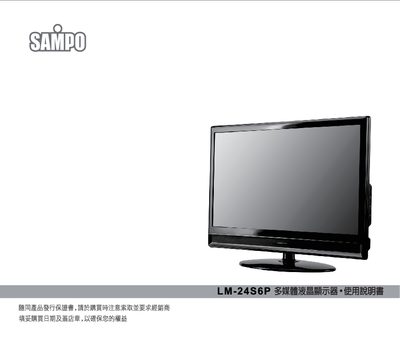
This is the user manual for the Sampo LM-24S6P multimedia LCD monitor. It is written in Traditional Chinese and includes safety instructions for installation, use, cleaning, and servicing.
The manual also provides a specification table for the monitor, including display size, resolution, inputs and outputs, power requirements, dimensions, and weight. This manual is written in Chinese.
| Model | LM-24S6P |
|---|---|
| Display size | 531.36(H) x 298.89(V) mm |
| Aspect ratio | 16:9 |
| Resolution | 1920 x 1080 |
| Compatible HD digital signals | 480P, 720P, 1080i, 1080P |
| RGB input | D-Sub 15-pin x1 |
| HDMI input | x2 |
| Composite video input | x2 |
| S-Video input | x1 |
| Component video input | x1 |
| Audio input (for RGB and DVI) | 3.5 mm jack x1 |
| Audio input (L&R) | x2 |
| Composite video output | x1 |
| Audio output (L&R) | x1 |
| Audio output | x1 |
| Speaker output | 5 W x2 |
| Operating voltage | 100-240 V, 50-60 Hz |
| Rated current | 2.2 A (at 110 V AC) |
| Power consumption | 65 W |
| Dimensions (W x D x H) | 577.2 x 210.0 x 438.0 mm |
| Weight (with stand) | 6.2 kg |
Unplug the power immediately and notify service personnel for repair.
No. Do not disassemble it; internal inspection and adjustment should be handled by professional service personnel.
Use the power cord supplied with the product.
Turn off the main power, wait 30 seconds, and then operate it again.