
This document is a quick installation guide for Affinium LED cooler modules Value-plus and Vision-plus LCM310, describing the steps and precautions for installation using mounting clips or shelf arm mounting sets.
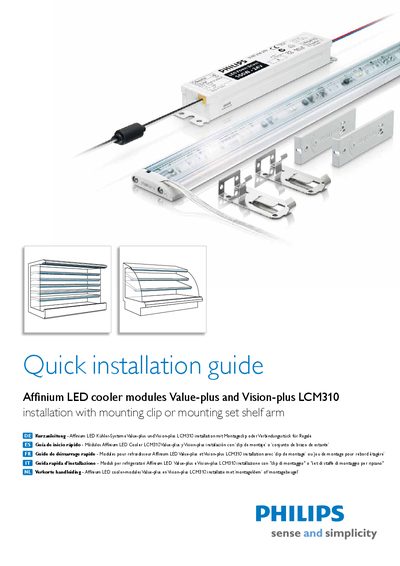
This guide provides step‑by‑step instructions for installing Philips Affinium LED cooler modules (Value‑plus and Vision‑plus LCM310). It covers required safety precautions, proper connection to a class II power source, and recommended mounting methods such as clips, shelf arms, and custom brackets.
Key sections include warnings about electrical codes, cleaning procedures, wiring diagrams, connector sets, and specifications for the LED power driver. The document also advises on the minimum 6 A circuit breaker or fuse and limits the driver load to 80 % of its rated power.
| Maximum case temperature | 70 °C |
|---|---|
| LED Power Driver rating | 100 W / 24 V DC (LCM310) |
| Minimum circuit breaker / fuse rating | 6 A |
Always switch off or disconnect the power and follow the appropriate safety procedures.
It must be connected to a class II power source (Philips LED power driver) with limited energy supply.