
Omron CS1W-ETN21 / CJ1W-ETN21 Ethernet Units Construction of Networks User Manual

This manual describes the networking function of CS1W-ETN21 and CJ1W-ETN21 Ethernet units.
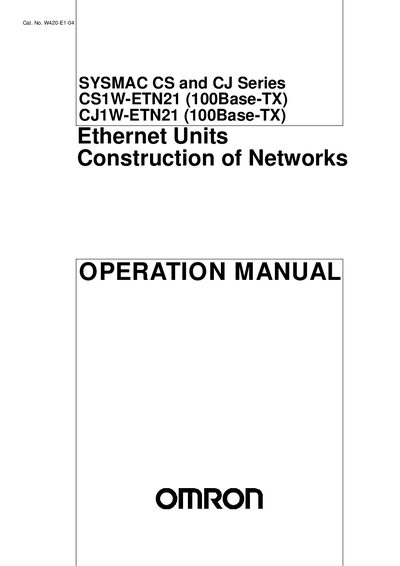

Omron CS1W-ETN21 / CJ1W-ETN21 Ethernet Units Construction of Networks User Manual - cover page
Brand
Omron
Category
Automation control Equipment
Document type
User Manual
Language
English
Pages
285
File format
PDF
File size
3.3 MB
Published
16 March, 2012
Updated
30 September, 2023
MD5 checksum
EAEBC4345ACF87BC9D8A4ED29094B2D1

About this manual

This operation manual provides detailed guidance for setting up and managing Omron CS1W-ETN21 and CJ1W-ETN21 Ethernet Units. It covers safety precautions, system configuration, unit version handling, and network installation procedures.

The document includes step‑by‑step instructions for using CX‑Programmer to verify unit versions, configuring Ethernet settings via the web browser, and performing communications tests. Contact information for Omron regional offices is listed at the end of the manual.

What's inside

  • Intended Audience
  • General Precautions
  • Safety Precautions
  • Operating Environment Precautions
  • Features and System Configuration
  • Ethernet Unit Function Guide
  • Unit Version Upgrade Information
  • Installation and Initial Setup
  • Network Installation
  • CX‑Programmer Unit Setup

Specifications

Unit Version Number4.7

Frequently asked questions

How can I confirm the unit version of an Ethernet Unit?

Use CX‑Programmer version 4.0 and open the Unit Manufacturing Information dialog to view the Unit Version Number.

What label is provided to differentiate Ethernet Units with different unit versions?

A unit‑version label is supplied that can be attached to the front of the Ethernet Unit.

Download PDF (3.3 MB)

More Omron Manuals


View all Omron manuals →