
DMC-LS2 VQT0V29 is a digital camera produced by Panasonic. It has a 1600-megapixel resolution, SD card support and a 2.5-inch LCD screen.
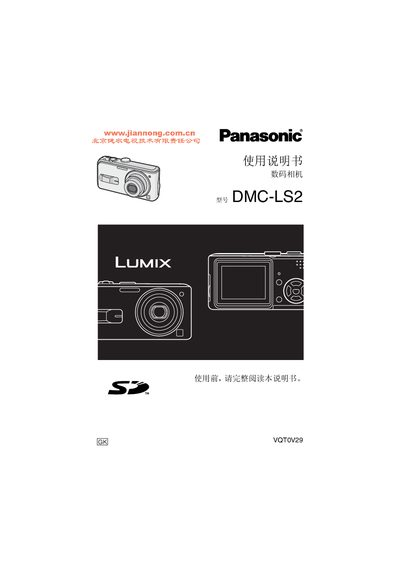
The Panasonic DMC-LS2 is a digital camera documented in this Chinese user manual. It covers safety, batteries and memory cards, camera setup, basic photography, playback, menu settings, and connection to a PC.
Recording sections cover normal, automatic, macro, movie, portrait, scenery, sports, night, food, baby, candle, starry-sky, snow, and other scene modes. The specifications cover image resolutions, still-image and movie formats, USB, video output, weight, and operating limits. This manual is written in Chinese.
| Still image resolution set 1 | 2560 × 1920, 2048 × 1536, 1600 × 1200, 1280 × 960, and 640 × 480 pixels |
|---|---|
| Still image resolution set 2 | 2560 × 1712 and 2048 × 1360 pixels |
| Still image resolution set 3 | 2560 × 1440 and 1920 × 1080 pixels |
| Video image resolution | 320 × 240 pixels |
| Still image file format | JPEG based on Design rule for Camera File system and Exif 2.2, compliant with DPOF |
| Moving-picture file format | QuickTime Motion JPEG without sound |
| USB interface | USB 2.0, full speed |
| Video output | NTSC/PAL composite output with menu switching |
| Weight without card or battery | Approximately 138 g |
| Operating temperature | 0°C to 40°C |
Yes. When an SD memory card is not inserted, pictures can be taken and played back from the built-in memory.
Macro mode is used to take close-up pictures of a subject.
Remove the battery and memory card before storing the camera.
It helps prevent pictures from being deleted accidentally.