
This document is a quick installation guide for the Brother MFC-J6710DW printer, which covers component inspection, paper loading, power and telephone line connection, and ink cartridge installation steps.
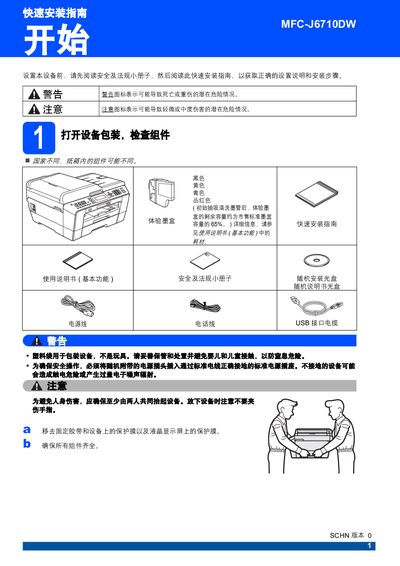
The guide walks you through safety precautions, unpacking the device, connecting power and telephone lines, loading paper, and installing ink cartridges. It also explains how to perform a print‑quality check, select language, and choose the desired receive mode.
Additional sections cover network reset to factory defaults, wireless network configuration, and instructions for replacing consumables such as ink cartridges. This manual is written in Chinese.
| Ink cartridge remaining capacity | approximately 65% of standard cartridge |
|---|---|
| High‑capacity black ink cartridge model | LC400BK |
| Ultra‑high‑capacity black ink cartridge model | LC450XLBK |