
This is a quick setup guide that contains the steps on how to set up and install the MFC-J6710DW printer.
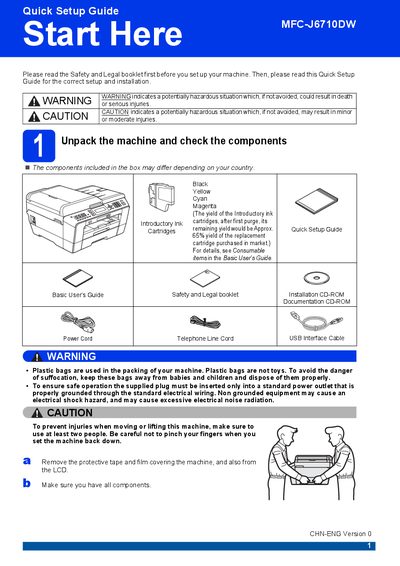
The Quick Setup Guide walks you through the first steps after unboxing the Brother MFC‑J6710DW. It covers safety warnings, checking that all components are present, connecting the power cord, telephone line, and optional network cable, and installing the introductory ink cartridges.
After the hardware is set up, the guide explains how to load paper, adjust paper settings, choose language and receive mode, and perform a basic print quality check. It also provides information on replacing consumables and restoring network settings to factory defaults.
| Black ink cartridge model | LC400BK (High Yield) |
|---|---|
| Network cable requirement | Category5 (or greater) twisted‑pair for 10BASE‑T or 100BASE‑TX |
| USB cable recommendation | USB 2.0 Type A/B, max 2 m length |
Connect one end of the telephone line cord to the socket on the machine marked LINE and the other end to a telephone wall socket.
Use a straight‑through Category 5 (or greater) twisted‑pair cable for 10BASE‑T or 100BASE‑TX Fast Ethernet.