
This file is the user manual for DVD-R121
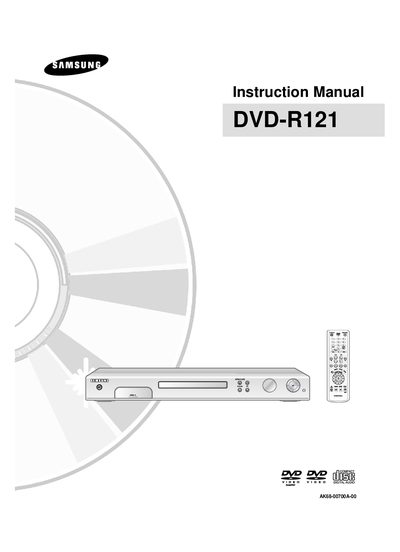
The manual begins with important safety instructions, handling cautions and guidance on connecting the unit to TV, audio and video sources. It also covers power‑plug requirements, remote‑control setup and on‑screen menu navigation.\n\nLater sections describe disc storage, supported disc types, recording modes, recording time limits, editing functions and playback options, as well as troubleshooting and warranty information.
| Maximum recording time on DVD‑R/DVD‑RW | up to 8 hours (4.7 GB disc) |
|---|---|
| Recording speed modes | EP, LP, SP, XP |
| Supported disc types | CD, CD‑R, CD‑RW, MP3, JPEG, DVD‑Video, DVD‑RAM, DVD‑RW, DVD‑R |
| Maximum recordings per disc type | DVD‑RAM: 100,000; DVD‑RW: 1,000; DVD‑R: 1 |
Use the composite video output jack (Case 1: Connecting to a Video (Composite) OUTPUT JACK).