
LW-3000 Network Print Server User Manual, which introduces the product features, installation methods, usage methods, network settings, etc. of LW-3000 Network Print Server
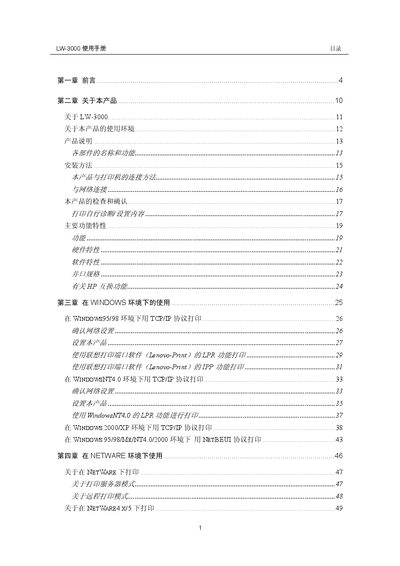
This manual explains how to install and configure the Lenovo LW-3000 network printing server, including Quick Setup and Standard Setup procedures, driver installation, and web‑based management. It also covers supported network protocols such as TCP/IP, IPX/SPX and Macintosh sharing.
Safety guidelines, troubleshooting steps, and driver management functions are detailed, helping users safely operate the device and resolve common issues. This manual is written in Chinese.
| Network Interface | 10BASE‑T/100BASE‑T auto‑adaptive |
|---|---|
| Supported Protocols | TCP/IP, IPX/SPX, Macintosh |
| Default Device Announcement Interval | 60 seconds |
Run the Quick Setup wizard for a fast installation or use the Standard Setup for detailed configuration, then install the Lenovo‑Print port software on the client PC.
Select the driver in the driver list and click the “delete selected driver” button, or click “delete all driver” to remove all drivers.