
Lenovo M820 User Manual

This is a user manual for Lenovo M820.
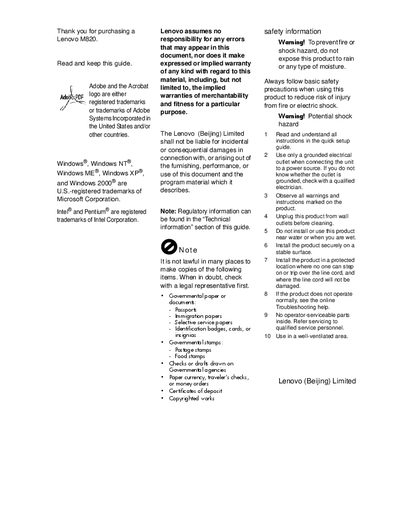

Lenovo M820 User Manual - cover page
Brand
Lenovo
Category
All-in-one printer
Document type
User Manual
Language
English
Pages
80
File format
PDF
File size
1.4 MB
Published
16 March, 2012
Updated
30 September, 2023
Model
M820
MD5 checksum
62826B9BCE35734642E83CCB9E5EB9C1

About this manual

This guide walks you through installing and configuring the Lenovo M820, including connecting to a computer, loading paper, and using the front‑panel controls. It also explains the PictBridge camera port, copy and scan functions, and how to select paper types.

Additional sections cover technical specifications, safety warnings, routine maintenance such as cleaning the glass and replacing cartridges, and where to find online support and troubleshooting resources.

What's inside

  • Quick Start Guide
  • Front Panel Overview
  • PictBridge Camera Port
  • Loading Paper and Media Types
  • Copy and Scan Operations
  • Maintenance and Cleaning
  • Technical Information
  • Troubleshooting
  • Customer Support

Frequently asked questions

What does the On/Resume button do?

The On/Resume button turns the Lenovo M820 on and off and also resumes a copy or print job after a jam or other error.

How do I replace the print cartridges?

Open the cartridge access door, remove the old cartridge, insert a new one, and close the door.

Download PDF (1.4 MB)

More Lenovo Manuals


View all Lenovo manuals →