
This document is the user manual of Lenovo 3200 series inkjet printer, which mainly introduces the printer's composition and usage methods.
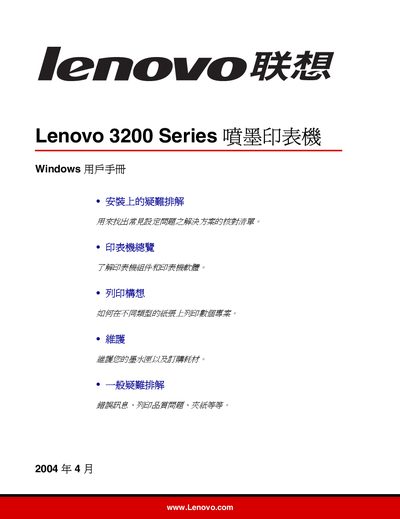
This manual covers the basic setup of the Lenovo 3200 Series inkjet printer, including power connection, USB interface, paper loading, and configuring print settings such as paper size (A4, Letter) and print direction. Detailed chapters explain how to print on various media types, including envelopes, photo paper, and custom‑size sheets.
Later sections guide users through routine maintenance, error handling, and troubleshooting common issues like paper jams, print quality problems, and installation errors. The document also points to Lenovo’s online support center for additional assistance. This manual is written in Chinese.
| Interface | USB |
|---|---|
| Supported Paper Sizes | A4, Letter |
| Print Direction | Portrait |
| Power Supply | External power connector |
Refer to the troubleshooting section that explains how to clear paper feed problems.
Use the Paper Settings chapter to select the desired paper dimensions.