
This is a user manual for a Lenovo notebook computer, which introduces the system configuration, installation steps, basic operations and software usage methods of the computer
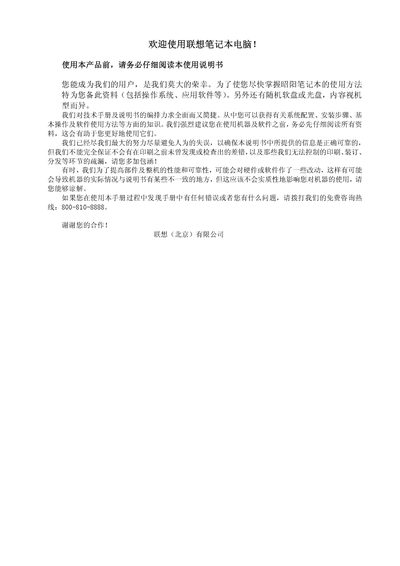
This manual provides safety warnings, hardware specifications, quick‑start instructions, and detailed troubleshooting for Lenovo notebook computers. It covers system configuration, installation steps, and recommended usage practices.
The document also includes service support information, contact numbers, and guidelines for battery care, display issues, and peripheral connections. This manual is written in Chinese.
| CPU | Intel yobile Pentium IVY processor |
|---|---|
| North Bridge Chipset | ATIIU2 |
| South Bridge Chipset | ALI 1535 |
| Memory | 128M/256MB/512MB DDR SODIMM (max 1 GB) |
| Hard Drive | 2.5‑inch notebook‑type HDD |
| Display | 14.1" LCD TFT, 1024×768, 32‑bit color |
| Optical Drive | 24× CD‑ROM or 8× DVD‑ROM |
| Ports | 1 PS/2, 1 VGA, 2 USB, 1 Serial, 1 Parallel, 1 PCMCIA, 1 Infrared, 1 IEEE‑1394, 1 Modem, 1 Ethernet, 1 Phone line |
| Battery | Li‑Ion 4000 mAh |
| Power Adapter | 19 V 3.95 A |
| Weight | 2.9 kg (including battery) |
| Dimensions | 330 × 268 × 32‑34 mm |
Use the Loaddskf command to copy each of the six DSK files from the BACKDOS directory to a floppy disk.
Verify the notebook is not in sleep mode, check power‑management settings, and ensure no external display is selected.
Do not short‑circuit, expose to fire or high temperature, or immerse it in water; keep it away from direct sunlight.