
This document is a user manual for Lenovo laptops, providing instructions on how to use the product and important considerations.
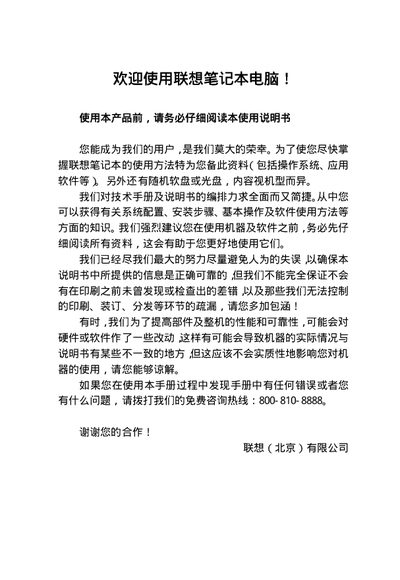
The manual begins with a disclaimer and a "Getting Started" section that explains how to back up and install the PC‑DOS operating system, as well as how to set up Windows XP if it is pre‑installed. It also includes detailed safety warnings for handling the laptop, power adapter, and battery.
Later chapters cover the system overview, hardware specifications, and step‑by‑step instructions for using the notebook’s features such as the CD‑ROM drive, multimedia audio system, and PCMCIA cards. The final section provides troubleshooting tips for common issues like a black LCD screen and guidance on obtaining authorized service. This manual is written in Chinese.
Copy the six DSK files from the BACKDOS folder on the hard drive to floppy disks before first use.
Verify that the notebook is not in sleep mode, check power‑management settings, and ensure no external display is selected.