
This manual introduces the laptop's hardware configuration, quick start guide, battery usage and power management, troubleshooting, etc.
This manual provides a quick‑start guide and detailed description of the ThinkPad T430’s hardware components, power options, display, keyboard, and external interfaces. It includes safety warnings, step‑by‑step instructions for first‑time power‑on, and guidance on using the battery and AC adapter.
Later sections explain how to install drivers from the supplied CD, use function keys, and perform basic maintenance such as resetting the system when the power button fails. This manual is written in Chinese.
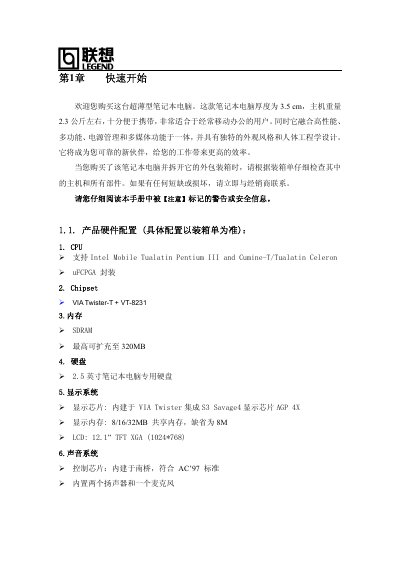
| CPU | Intel Mobile Tualatin Pentium III |
|---|---|
| Chipset | VIATwisterT+ VT-8231 |
| Maximum Memory | 320 MB |
| Hard Drive | 2.5‑inch laptop HDD |
| Display | 12.1‑inch TFT, 1024×768 |
| Audio Chip | Integrated AC'97 compatible |
| Optical Drive | 24× CD or 8× DVD |
| Ethernet | Fast Ethernet, 10/100 Mbps auto‑negotiation |
| USB Ports | 2 × USB 2.0 |
Connect the supplied AC adapter and use the external power source for the initial power‑on.
Insert the driver CD into the optical drive, then follow the on‑screen prompts to install each driver.
The memory can be expanded up to 320 MB.
Press the reset hole (复位孔) to reset the computer.