
This document is the user manual and setting manual for the displays produced by EIZO NANAO CORPORATION. It mainly introduces the functions and overview, settings and adjustments, cable connections, etc. of the display. It also provides information on safety precautions and troubleshooting.
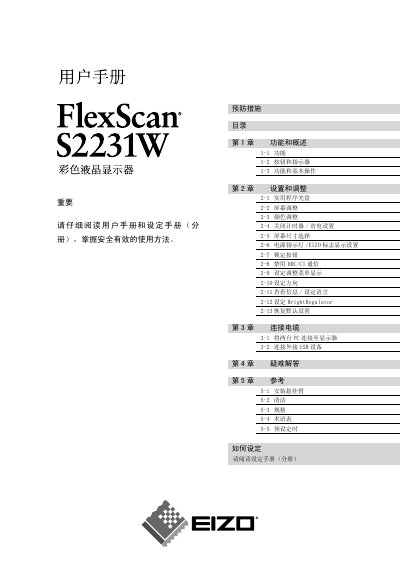
This manual covers the FlexScan S2231W color LCD monitor, describing its main functions, safety symbols, and basic operation. It is intended for end‑users who need to install, configure, and use the display safely.
The document explains installation and adjustment procedures, how to connect the monitor to a PC or USB device, and includes a FAQ section for common questions. Safety symbols such as warning and prohibition signs are defined, and the manual references the monitor’s specifications and regulatory compliance. This manual is written in Chinese.