
This document is a user manual that describes the features and operation methods of the product, the methods for setting and adjusting, connecting cables, troubleshooting, and reference information. It also provides safety precautions and important warnings. It is important to read and follow the instructions in the manual.
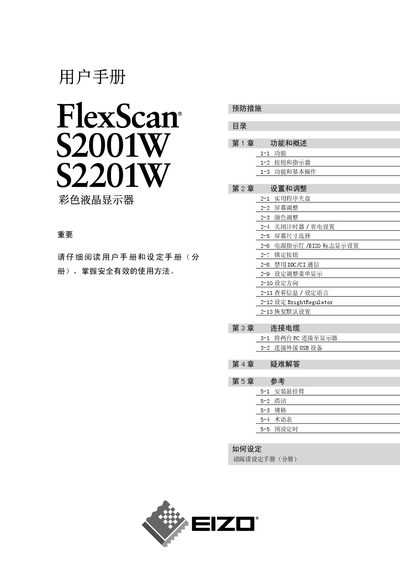
This user manual covers the EIZO FlexScan S2001W color LCD monitor, describing its features, safety precautions, and proper usage. It is intended for end‑users who need to install, configure, and maintain the display.
Key sections include safety symbols, functional overview, basic operation, installation steps, color and brightness adjustments, DDC/CI communication settings, troubleshooting tips, and regulatory information. Following the guidelines helps ensure reliable performance and user safety. This manual is written in Chinese.
Immediately disconnect the power and stop using the monitor.
No, the monitor must not be used outdoors.