
This document is a user manual and configuration manual, which introduces how to use the product and various functions and adjustment options. The content covers basic operations, settings and adjustments, troubleshooting, etc.
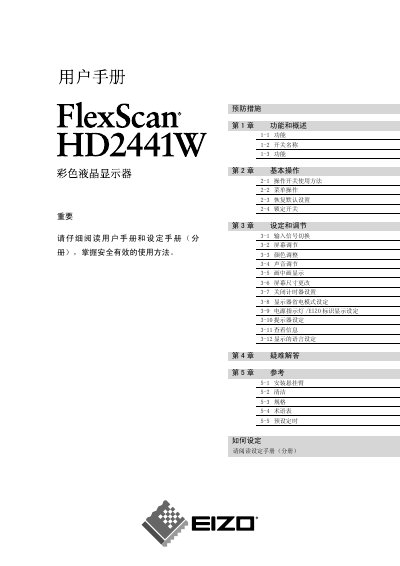
This manual guides users of the EIZO FlexScan HD2441W 24‑inch color LCD monitor through safe handling, basic operation, and detailed settings. It includes safety symbols, preventive measures, and ergonomic recommendations.
Key sections cover functional overview, basic operation, input selection, screen and color adjustments, power‑saving modes, USB/audio features, troubleshooting of image and audio issues, and a reference chapter with specifications, cleaning instructions, and mounting information. This manual is written in Chinese.
| Screen size | 24 inch |
|---|---|
| Resolution | 1920 x 1200 |
| Panel type | TFT color LCD |
| Auto brightness adjustment | Enabled |
| USB ports | 2 upstream, 2 downstream |
| Power consumption (max) | 110 W |
| Weight (without stand) | 7.9 kg |
The monitor can automatically adjust its brightness based on the image content and ambient light conditions.
The monitor provides two upstream and two downstream USB ports.