
User manual, introducing the functions and usage of the product
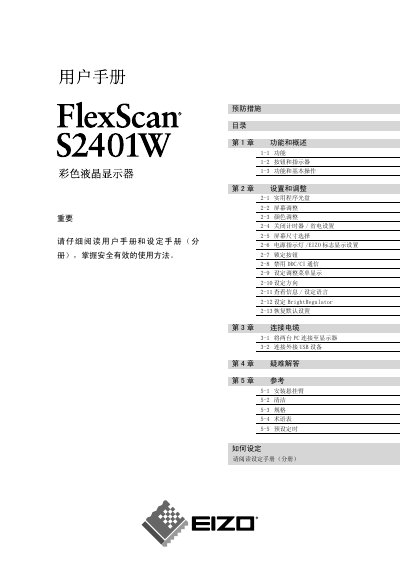
This manual provides an overview of the FlexScan S2401W’s functions, safety symbols and basic operation steps. It includes detailed instructions for installation, connecting the monitor to a PC, and adjusting display settings.
Additional sections cover troubleshooting, reference information, and technical specifications such as resolution, video input type, and refresh rate. This manual is written in Chinese.
| Resolution | 1920 x 1200 |
|---|---|
| Video Input | RGB analog |
The NN symbol indicates a prohibited action.
The の symbol indicates a mandatory operation.