
EIZO FlexScan S1932 LCD monitor manual introduces the product's features, usage methods, connecting cables, troubleshooting and other content.
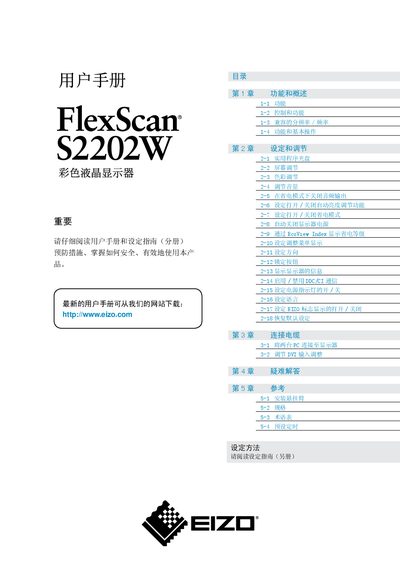
This manual covers safety precautions, proper handling, and environmental requirements for the FlexScan S2202W. It includes detailed installation instructions, wiring diagrams, and connection methods for DVI and other video inputs.
The guide also explains the monitor’s functions such as Auto EcoView, FineContrast, color and audio adjustments, power‑saving features, and DDC/CI communication. Troubleshooting tips and regulatory information are provided at the end. This manual is written in Japanese.
| Screen size | 22 inches |
|---|---|
| Maximum power consumption | 47 W |
| Typical power consumption | 23 W |
Use the DVI input connector as described in the installation section; the monitor supports DVI video input.
Auto EcoView automatically adjusts the display brightness based on ambient light to reduce power consumption.
Yes, the manual provides a FineContrast mode and other color adjustment options under the display settings chapter.
The monitor includes Auto EcoView, EcoView Index, and a power‑off mode that cuts power when the display is not in use.