
SamsungTVManual:SP42W4/42W5SP43T6/43T7/43T8/43W6SP47Q7/47W1/47W3SP48T6SP52Q7SP54T6/54T8SP55W3SP62T6/62T8SP65W3

This manual mainly introduces the use methods of SP42W4/42W5, SP43T6/43T7/43T8/43W6, SP47Q7/47W1/47W3, SP48T6, SP52Q7, SP54T6/54T8, SP55W3, SP62T6/62T8, SP65W3 televisions
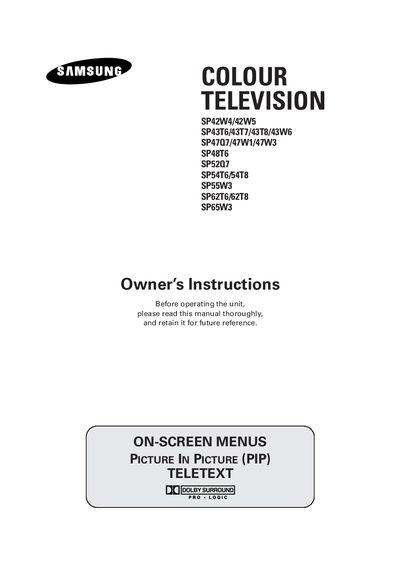

SamsungTVManual:SP42W4/42W5SP43T6/43T7/43T8/43W6SP47Q7/47W1/47W3SP48T6SP52Q7SP54T6/54T8SP55W3SP62T6/62T8SP65W3 - cover page
Brand
Samsung
Category
Television
Document type
User Manual
Language
English
Pages
56
File format
PDF
File size
2.4 MB
Published
15 March, 2012
Updated
30 September, 2023
MD5 checksum
9A3C6E6A50BC7E612D5F21DECA58B07B

About this manual

This manual covers safety precautions, warranty information, and proper handling of Samsung SP series televisions. It explains how to connect the TV, use the remote control, and adjust picture and sound settings.

Additional sections provide details on teletext features, external input connections, mains power plug wiring, and after‑sales service contacts. The document also includes troubleshooting tips and recommended usage to prevent screen burn‑in.

What's inside

  • Important Warranty Information
  • Safety Instructions
  • Connecting and Preparing Your Television
  • Control Panels
  • Connection Panels
  • Using Your Television
  • Teletext Feature
  • Additional Information on Connections
  • Wiring the Mains Power Supply Plug
  • After Sales Service

Specifications

Mains plug fuse ratingas indicated on the plug; replace with same rating approved to BSI1362
Mains lead wire colorsBLUE – neutral, BROWN – live

Frequently asked questions

How should I protect the TV during a thunderstorm?

Unplug the television from the mains socket and aerial during storm conditions.

How do I insert batteries into the remote control?

Open the battery compartment, insert the batteries with correct polarity, and close the cover.

Download PDF (2.4 MB)

More Samsung Manuals


View all Samsung manuals →